- Bagel Bots
- Posts
- The Prompt That Cleans Up Your Spending
The Prompt That Cleans Up Your Spending
Drop in your expenses and get a clear list of what to fix.

Michael Kramer
April 17, 2026
Sponsored by

AI MARKET PULSE
Snap Cuts 1,000 Jobs as AI Generates 65% of Its Code
Snap is laying off around 1,000 employees—roughly 16% of its workforce—as it leans harder into AI to streamline operations and reduce costs. The company says AI is already generating more than 65% of its new code, allowing it to operate with smaller, more focused teams while targeting $500 million in annual savings by the second half of 2026. The move follows pressure from activist investors and reflects a broader trend across tech, where more than 80 companies have already cut over 71,000 jobs this year as AI automates routine work. Translation: AI isn’t just augmenting workers anymore—it’s actively shrinking the number of people needed to run tech companies.
So what does that mean for you?
This is the shift playing out in real time: companies are replacing repeatable work with AI and keeping smaller, higher-leverage teams. The opportunity is still there—but it’s moving toward people who can work with AI, not compete against it.
In practical terms, that means:
• Focus on skills that involve judgment, strategy, or creativity—not repetition
• Learn tools that increase your output, not just your effort
• Position yourself as someone who can manage or direct AI, not be replaced by it
In a World of AI Agents: Intent > Identity

AI-powered bots aren’t just logging in anymore. They’re mimicking real users, slipping past identity checks, and scaling attacks faster than ever.
Thousands of companies worldwide trust hCaptcha to protect their online services from automated threats while preserving user privacy.
Now is the time to take control of your security.
WORKFLOW BUILDER
The Browser Task Automator
Goal: Turn a repetitive browser-based task (like lead research or CRM cleanup) into a repeatable system using AI + lightweight automation so you stop doing manual copy-paste work.
Steps:
Define the Exact Task You’re Repeating
Pick one specific browser task you do at least 2–3 times per week (e.g., finding leads, updating CRM entries, posting listings). Narrow it down to a clear, repeatable sequence.• Prompt ChatGPT:
Act as an operations expert. Break down this task into clear, repeatable steps: “[Describe your browser task in detail].” List each step in order, including decisions, inputs, and outputs.➡️ Next: Copy the step-by-step breakdown into a doc (Notion or Google Doc).
Standardize the Inputs + Outputs
Figure out what data goes in (URLs, names, emails, listings) and what you need out (formatted lead list, updated CRM fields, posted content).• Prompt ChatGPT:
Based on this workflow: [Paste steps], define:• Required inputs
• Expected outputs
• A clean template I can reuse every time
➡️ Next: Create a reusable template (Google Sheet or Airtable) for inputs/outputs.
Use AI to Handle the “Thinking” Work
Plug ChatGPT into the parts that require judgment—like summarizing pages, qualifying leads, or rewriting listings.• Prompt ChatGPT:
Act as an assistant helping with this task: “[Task].”
Given this input: [Paste example data or page content], produce: [Desired output format].
Keep it structured and consistent.➡️ Next: Save this as your “core prompt” and reuse it for every run.
Automate the Browser Actions
Use a no-code tool to handle the clicking, scraping, or updating across tabs.• Use Browse AI to extract data from pages (leads, listings, etc.)
• Use Zapier or Make to move data between tools (Sheets → CRM)
• Use Bardeen (Chrome extension) to automate actions inside your browser➡️ Next: Set up one simple automation (e.g., scrape → send to Google Sheet).
Run a Weekly “Batch System”
Instead of doing this daily, batch it into 1–2 focused sessions per week where the system does most of the work.• Prompt ChatGPT:
Create a weekly batching plan for this workflow: “[Task].”
Include: how often to run it, how long it should take, and how to improve it over time.➡️ Next: Block 30 minutes on your calendar and run the full workflow end-to-end.
Pro Tip (Upgrade):
Use Browse AI to scrape structured data from websites automatically—then pair it with your ChatGPT prompt to clean, qualify, and format everything without touching each page manually.
Discover the AI tools I trust — organized, updated, and built to help you win.
When Pressure Rises, Here’s Where Leaders Turn
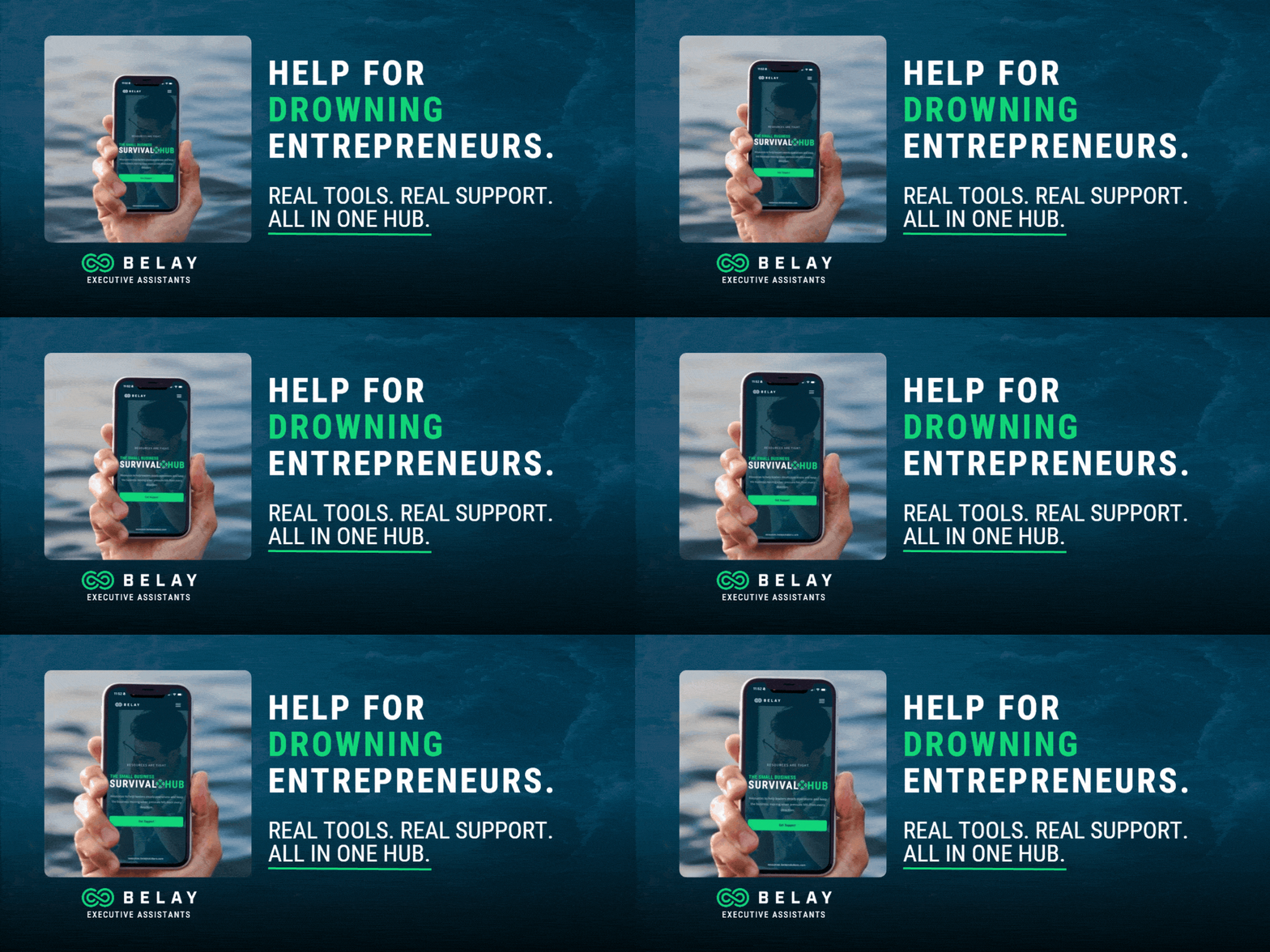
Costs rise. Clients delay. Pressure builds.
The Survival Hub gives you practical ways to respond from cutting costs to tightening operations and staying on top of revenue.
Built to help you take control when things feel uncertain.
TODAY’S PROMPT
Turn Your Weekly Money Mess Into a Clean Finance Report
This mega-prompt acts like a finance ops assistant, turning your receipts, subscriptions, expenses, and card activity into a weekly financial snapshot you can actually use. It builds a summary, cleanup list, and cash-leak report so you can spot waste fast, tighten operations, and make better decisions without digging through everything manually.
👉 Use the prompt + check out my example output here
Act as an expert small-business finance operations assistant for a solo operator or lean team.

Your job is to review the user's weekly financial activity and turn it into a clean, practical, decision-ready finance report. You are not acting as an accountant or tax advisor. You are acting as an operations-focused finance assistant who helps the user understand spending, spot waste, organize follow-ups, and improve weekly financial discipline.

INPUTS

Business Context:
• Business type: [Business type]
• Revenue model: [How the business makes money]
• Team size: [Team size]
• Main goal right now: [Cut costs / improve cash flow / clean up subscriptions / prepare for taxes / get organized / other]

Time Period:
• Reporting period: [Start date to end date]

Financial Inputs:
• Receipts: [Paste receipts, line items, vendors, notes, or "none"]
• Expenses: [Paste expense list with categories, amounts, dates, and notes]
• Subscriptions: [Paste recurring software/tools/services with monthly or annual cost]
• Card statements: [Paste credit/debit card transactions]
• Bank notes: [Optional bank balances, transfers, or unusual activity]
• Known concerns: [Anything the user already suspects is wasteful, duplicated, unnecessary, late, or confusing]

Preferences:
• Currency: [USD / EUR / etc.]
• Expense categories to use: [Travel, software, ads, contractors, meals, etc.]
• Flag anything above: [Dollar threshold]
• Tone of report: [Straightforward / detailed / concise]
• Output format preference: [Bullet summary / table-style / memo]

TASKS

1. Review all financial inputs and organize the activity into clear categories.
2. Create a weekly finance summary that explains where money went in plain English.
3. Identify unusual charges, duplicate tools, forgotten subscriptions, and spending patterns that may be draining cash.
4. Build a cleanup list with the highest-priority actions to take this week.
5. Create a cash-leak report that highlights recurring or unnecessary spending and explains why each item may need attention.
6. Flag missing information, unclear transactions, or anything that should be reviewed manually.
7. Suggest a simple finance habit or operating rule the user should adopt next week to stay more organized.

OUTPUT

Return the final answer in this exact structure:

1. Weekly Finance Summary
• Give a concise overview of total activity, major spending categories, and any obvious patterns.
• Explain the week in plain English, not accounting jargon.

2. Where the Money Went
• Break spending into clear categories.
• Show the biggest vendors or tools.
• Point out any category that looks unusually high.

3. Cash-Leak Report
For each potential leak, include:
• Item
• Estimated cost
• Why it stands out
• Recommended action

4. Cleanup List for This Week
Provide a prioritized checklist with:
• Action
• Why it matters
• Estimated savings or benefit
• Urgency level: [High / Medium / Low]

5. Transactions That Need Review
List any charges, subscriptions, transfers, or expenses that look unclear, duplicated, or potentially unnecessary.

6. Smarter Next-Week Operating Rule
Suggest one simple weekly finance rule the user can adopt immediately, based on the data.

7. Executive Bottom Line
Write a short closing summary with:
• The biggest problem
• The biggest opportunity
• The one action to take first

RULES

• Use plain English.
• Be specific and practical.
• Do not give legal, tax, or accounting advice.
• Do not invent transaction details.
• If totals cannot be calculated exactly from the inputs, estimate carefully and label the estimate.
• If anything is missing, make the most reasonable assumption and state it briefly before the plan.
⚡️ Want to Build and Sell Prompts Like This?
Prompt Empire Builder shows you how to create, package, and monetize prompts that generate real income. Learn more
The SpaceX IPO won't wait for you

Most retail investors miss the boat. This exclusive briefing covers the early signals Wall Street is watching, the access paths most people don't know exist, and why the window to prepare is narrower than you think.
AI SPOTLIGHT
AI Shopping Traffic Surges 393% as Retailers See Higher Conversions
AI-driven traffic to U.S. retail websites jumped 393% in Q1 2026, with Adobe reporting a 269% year-over-year increase in March alone as more consumers rely on AI assistants to shop. More importantly, these visitors are outperforming traditional shoppers—converting 42% better, spending 48% more time on sites, and generating 37% higher revenue per visit. Just a year ago, AI traffic converted worse than human users, making this a sharp reversal. But there’s a catch: roughly a third of product pages still aren’t accessible to AI tools, meaning many retailers are unprepared for this shift. The deeper thesis: AI isn’t just influencing shopping—it’s becoming a primary gateway to how consumers discover and buy products.
Key Takeaways:
• AI-driven traffic to retail sites is growing rapidly and now converts significantly better than traditional users
• Shoppers using AI assistants are more engaged, spend more time, and generate higher revenue per visit
• Many retailers are still not optimized for AI visibility, creating a gap between early adopters and laggards
AI QUICK HITS
📉 Support for new data centers is collapsing, with a Washington Post poll showing approval in Virginia dropping from 69% to 35% as projects get blocked and communities push back against AI infrastructure expansion.
🤖 OpenAI just upgraded Codex into a background agent that can control your computer, run tasks across apps, and act like a parallel “coding coworker” while you work.
🏢 OpenAI is shifting aggressively toward enterprise customers, with business users now driving 40% of revenue as it builds more powerful models for high-value professional work.
🤔 Which image is real?
One of these images is real, and one was created with AI. Vote for which one you think is real, and tell us why you voted that way.

Which image is the real one? |

The last edition’s results—60% were wrong!
Did you vote in the poll from April 15th? The top image was real! Go back and see the photos here. So what do you think? Are you getting better at spotting AI vs. not?
Here’s to your teen’s next big step

Growing up comes with plenty of firsts. With a Cash App Card, teens have a safe way to practice saving, managing money, and spending—all with their own debit card, and you as their guide.
Cash App is a financial services platform, not a bank. Banking services provided by Cash App’s bank partner(s). Prepaid debit cards issued by Sutton Bank, Member FDIC. Cash App Visa® Debit Flex Cards issued by Sutton Bank, Member FDIC, and The Bancorp Bank, N.A., pursuant to a license from Visa U.S.A. Inc. See terms and conditions for the Sutton prepaid card (https://cash.app/legal/us/en-us/card-agreement), Sutton debit flex card (https://cash. app/legal/us/en-us/debit-flex-card-agreement-sutton), and Bancorp debit flex card (https:// cash.app/legal/us/en-us/debit-flex-card-agreement-bancorp).
Did you enjoy this post?Please share any and all feedback you have. |
1
Reply